Sagt mal, weil ich erst heute gesucht hab, hat einer eine Idee wo man mit der PS5 Filme im PSN Store ( kaufen) finden kann?
Oder sehe ich einfach den Wald vor lauter Bäume nicht…?
Also ich glaube Playstation bietet keine Filme zum Kauf selbst an, hätte das so noch nicht gesehen
1 „Gefällt mir“
Ja aber früher gab es doch im PSN Store den Bereich „Filme“, leihen, kaufen, was auch immer, und den finde ich einfach mit der PS5 nicht…
Meine Filme die ich auf der PS4 gekauft hab, die sind ja in der App, aber wo kann ich neue kaufen?
2 „Gefällt mir“
Ah ok  naja neue PS also muss auch das UI und die Features wieder bei Null anfangen
Es sind ja angeblich unterschiedliche Ventilatoren verbaut - kann man evtl an der Srn erkennen welcher verbaut ist?
2 interessante Videos
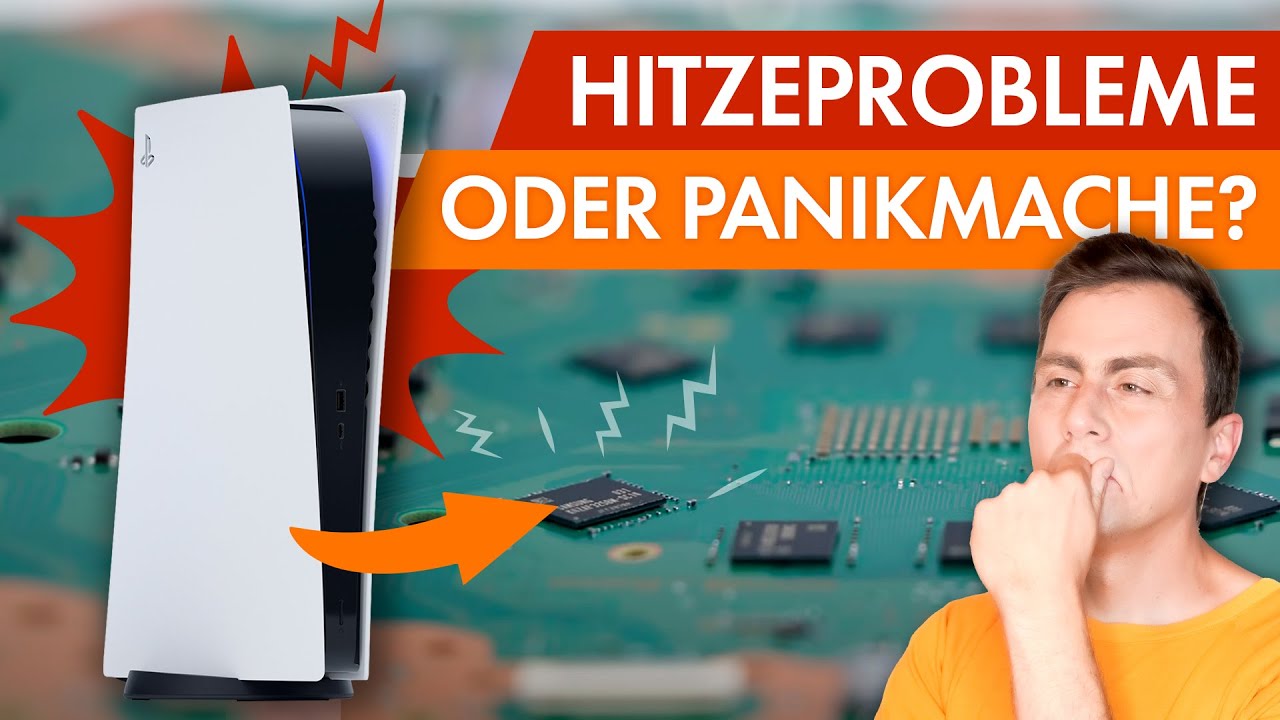
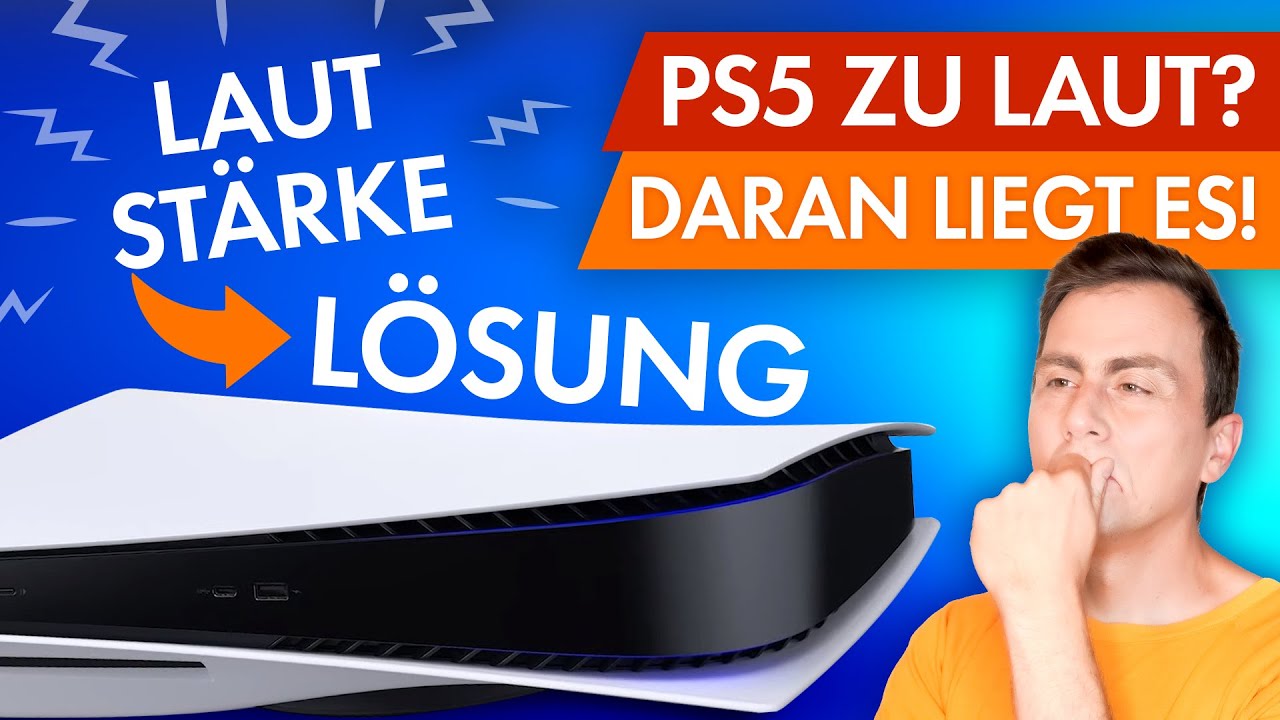
Jap hab einige Filme auf der PS4 im Sale gekauft, auf der PS5 kann man Problemlos schauen aber hab auch noch nichts gefunden zum Kaufen. Macht für mich Sinn, weil es gibt viele Filme noch nicht oder nie in 4K.
Von daher bin ich froh das es das gab, Kevin Allein zu Hause 1+2 für 4€ ca. Pro Film konnte ich nicht Nein sagen.
1 „Gefällt mir“
Naja, für mich macht das wenig Sinn, Filme kaufe ich sehr gerne im Store, sehr Platzsparend, und ich kann sie überall abrufen.
Abgesehen davon funktioniert das im XBox Sale ganz normal weiter auf der Series X.
1 „Gefällt mir“
hat jemand von euch schon mal diese lösung probiert um das laufwerk ruhiger zu machen?
https://hardware.support.playstation.com/en_US#/product
What you will need before you begin: A well-lit room with a table to work on. A #1 Phillips or Cross Hatch screwdriver works best. A small flashlight (optional).
Turn off the PS5™ system and disconnect the AC cord.
Disconnect all cables from the system.
Remove the stand from the PS5 system.
Place your palms on the system’s glossy panel and let your fingers rest on the far side of the system.
Place the system sideways on a clean, flat surface in front of you, so that the front of the system is facing you. You’re going to remove the bottom panel that has the disc slot from the PS5. The top panel that has a PS logo on it should be facing the table.
Place your palms on the top of the panel, near the back corner of the system, and grip the edge of the panel with your fingers.
Lift the corner of the panel up, away from the system until the panel shifts a couple of centimetres.
You will hear a click and the panel will move a couple of centimetres. Lift the panel off, starting from the right side.
Once the panel has been removed, look for four circular pieces on the bottom of the optical drive. Beside these is a circular dust cover of black plastic. Carefully peel this dust cover away to reveal the screw beneath. Set the dust cover to one side for now.
Turn the screw clockwise until the disc can be seen peeking out of the disc slot. This may require several turns of the screw. Very little effort is required to turn the screw.
Grab the disc by hand and pull it out of the disc slot.
Use the black, circular dust cover to cover the screw.
Replace the bottom panel by positioning it over the exposed section of the system, a couple of centimetres away from the edge.
Slide the panel back into place until it clicks into position.
Reconnect all cables and the AC cord. Turn on the system to check that everything is working properly.
Ich habe die Planet Erde II UHD auf meiner PS5 zum Laufen bekommen auf meinem LG TV. Das Problem war, dass ich keinen Sound hatte, egal bei welcher Einstellung. Man muss erst die „OK-Taste“ auf der Fernbedienung drücken, dann auf dem Bildschirm „Aufnehmen“ auswählen und dann mit dem X-Symbol auf dem Bildschirm zurückgehen. Dann funktioniert der Sound. Bei anderen UHDs habe ich das Tonproblem nicht.
1 „Gefällt mir“
Sehr interessant, klingt nach einem Fix Problem das irgendwann per Firmware gepatcht wird.
Solche Probleme hatte ich noch nicht.
Herr der Ringe Extendet Edition 4K Box würde ich gerne Testen, leider hat mir Amazon einen Strich durch die Rechnung gemacht.
Kam nicht mehr vor Heiligabend per Post an.
Obwohl ich in dem Zeitfenster wo Prime Stand am 12.12., das die Box rechtzeitig am 17.12. geliefert wird zu Release.
Leider steht jetzt immer noch,
Liefertermin ausstehend
Wir senden Ihnen eine E-Mail, sobald wir ein voraussichtliches Lieferdatum haben.
Sehr schade. Aber zu viele wollen Zu Weihnachten diesen Film gern schauen.
Gestern wollte ich den PS5 Controller aufladen, habe ihn dann an die PS5 angeschlossen.
Der Ladebalken ist erschienen und als ich heute den Controller von der Konsole getrennt habe, ist sofort die Meldung aufgeploppt, dass der Controller fast entladen ist und ich ihn aufladen soll.
Hattet ihr das Problem auch schon mal?
Nee steckte nur zum updaten bisher den DualSense Controller an einen USB Steckplatz.
Aufgeladen wird auf der Offiziellen Controller Ladestation.
Noch keine Probleme damit gehabt.
Die Aufladung hört auch sofort auf wenn er voll ist (Licht schaltet sich aus des DualSense vorne)
Lade meine Controller idr bei handyladestecker auf, weil ich deswegen nicht die Konsolen rennen lassen möchte. Kann dir leider nicht helfen, sorry.
3 „Gefällt mir“
Handy LadeStecker hab ich mit PS4 Controller auch gemacht, der DualSense hat für mich etwas mehr an Wichtigkeit dazu gewonnen.
Mit Handy Ladegerät dachte ich immer der DualShock 4 ist viel zu schnell wieder entladen auch ohne Vibration.
Liegt eher an den Schrott Akku den Sony im PS4 Controller verbaut hat. 
2 „Gefällt mir“
Der Strom ist der Selbe, egal aus welcher Quelle 
Aber evtl liefert das Handyteil zu wenig Watt - dann dauert der Ladevorgang länger. Steckst du dann zu früh ab, ist der Controller natürlich schneller wieder leer.
1 „Gefällt mir“
Hat wer schon mit den Analog Sticks des DualSense Probleme wie beim DualShock 4??
Frage deshalb weil ich fühle schon der Grip wird weniger, merke das desswegen gut wegen Competetive Gaming. Rutsche manchmal ab am linken Analog Stick.
Eventuell muss ich ihn reinigen bisschen,
Desinfektions Mittel macht’s wohl nicht besser?
Quasi rutschiger?
Der Strom ist der Selbe, egal aus welcher Quelle
Leck mal an einer Batterie und dann an einer Steckdose 
Weder noch. Lieber an nem Eis, oder …räsuper.
3 „Gefällt mir“